Feb 12, 2026

We test AI tools on real-world workflows to give you 2-minute verdicts: what to use, what to skip, and what it’ll really cost you.
Pick the task - we’ll show what works, what to skip, and the real cost.
If you want the short answer, start here. Each pick includes a downside and who should skip.
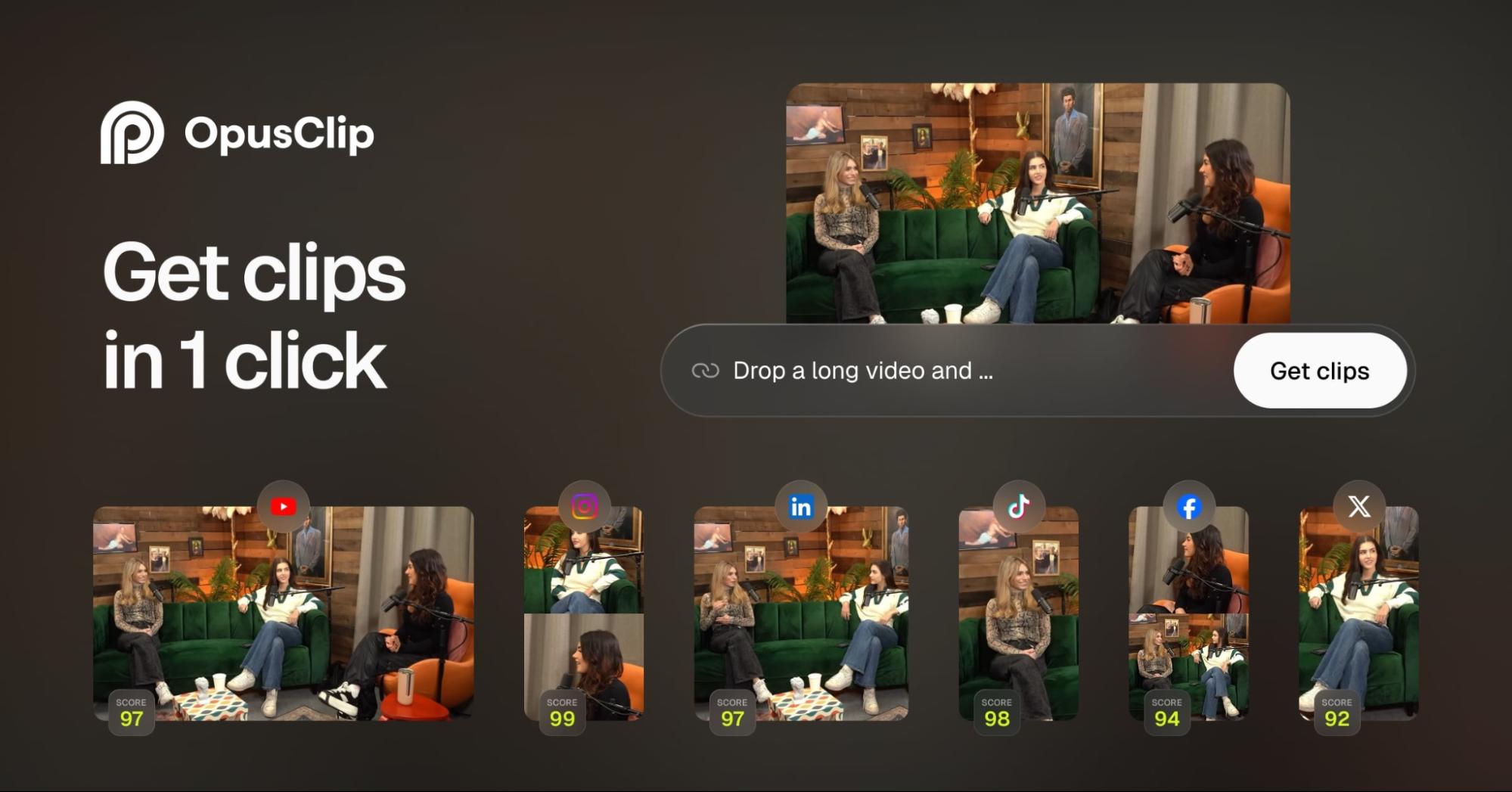
Quickly turning long videos into 10–15 captioned Shorts, especially for podcasts, talking-head YouTube videos, interviews, and webinars.
Cinematic storytelling, frame-perfect edits, or projects that need careful manual pacing.
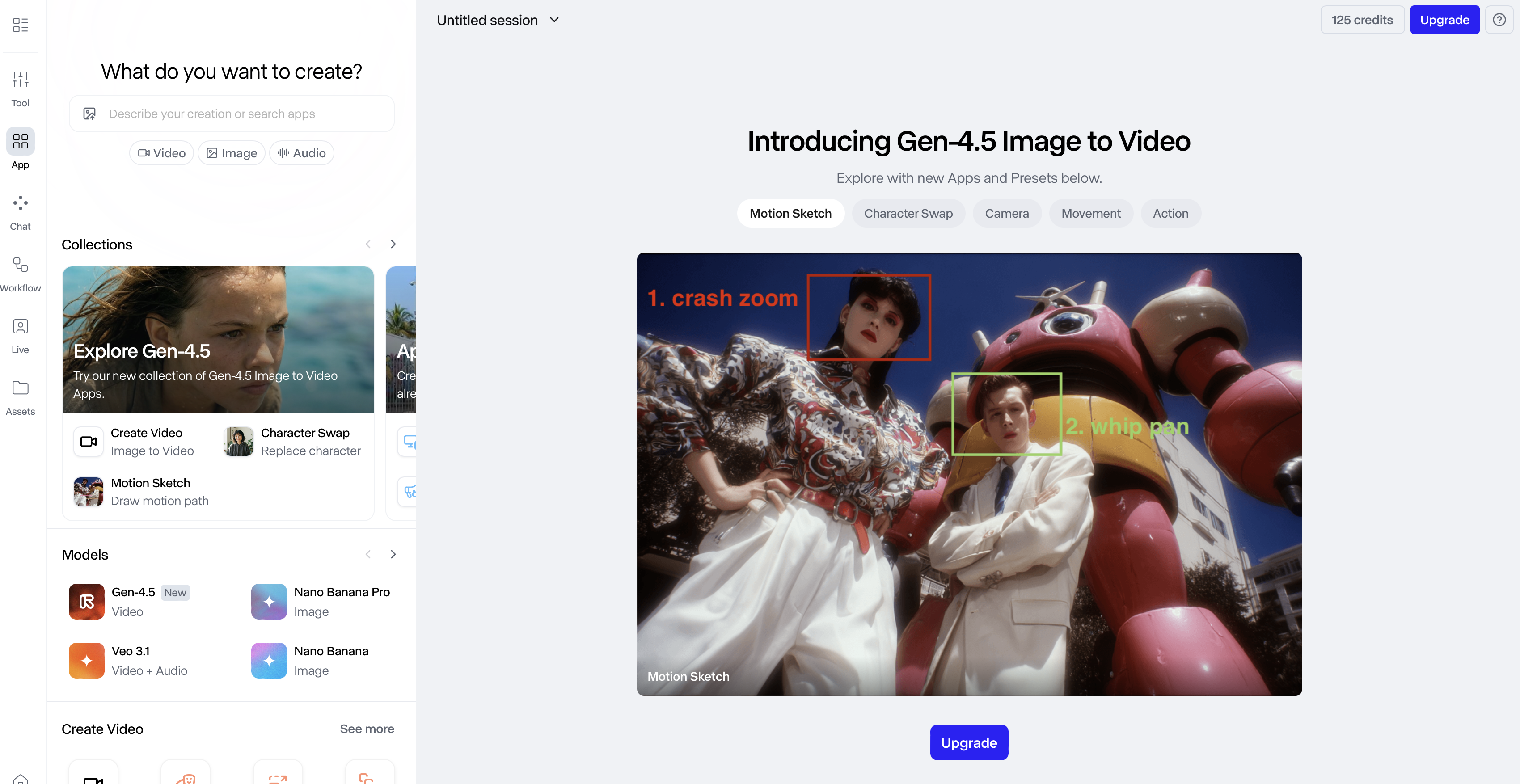
Quick creative tests, cinematic b-roll clips, and creators who like a simple web interface
If you mainly want to clip shorts from long podcasts (use a dedicated clipper for that) or if you need heavy editing like in Premiere or CapCut

Creators who want to quickly try text-to-image and image-to-video ideas with a UI designed for easy iteration
Text-to-Image gave me four usable options quickly, and Canvas is genuinely handy if you like organized workflows
The AI market is moving too fast. We filter out the copycat tools and focus on tools that solve real-world tasks.

Lead Content Strategist
Tests AI video & image tools for brand fit: consistency, style, and what actually works in real content workflows.

We cut through the noise so you can make a decision in minutes, not hours.
Every guide starts with a clear pick (and who should skip it). If you're in a hurry, we’ve got you.
Every tool has a downside. We highlight the bugs, the hidden costs, and the reasons you might want to skip a popular service.
We focus on workflow fit (setup time, output quality, integrations, reliability) - not buzzwords.
Unlike massive review sites, we don't just rewrite specs.
We run tools on repeatable workflows to see how they perform in real scenarios.
We track paywalls, limits, and "starter plan traps" so you know the true cost.
We document where tools break-hallucinations, formatting issues, exports, integrations.
Key guides show "Last updated" dates-we keep our reviews fresh and relevant.
Direct insights from developers and industry experts to help you understand where the tech is heading.